Did a San Francisco Bay Area Wedding Photographer Steal Images From a Flickr Photographer or Was It an Honest Mistake?

Screenshot1

An interesting thread over at the strobist group on Flickr. Photographer Tim Kamppinen recently was emailed regarding some of his sports photographs that were appearing for sale and as promotional photos on the website for a San Francisco Bay Area based professional wedding phtoographer, Dennis DeSilva.

DeSilva, who operates under the name Studio Seven Photography, was recently featured on KTVU where he talked about his relationship photographing former Senator Ted Kennedy.

When contacted by Kamppinen regarding the apparent image theft, DeSilva apologized in a brief email according to Kamppinen:

“Tim,
Sorry I got it mixed up with my other photographers.

Thanks
Dennis”

The images of Kamppinen’s were also removed from DeSilva’s site.

Was this a simple case of a pro photographer mistakenly posting photos from Flickr as his own? Or was DeSilva purposely using Flickr to fill in holes in his own portfolio where he did not have photos? Whatever the case, it seems like folks over at the Strobist thread are pretty worked up about it.

Thanks, Os!

Update #1: Dennis DeSilva responds.

“Tom,

It was an honest mistake. It was a sample page, not for sale. Thanks for pointing it out. I thought it was one of our pix. This is my 40th year as a full time professional photographer, I don’t need or use anyone’s images that don’t belong to me. If you look at my body of work over the years it speaks for itself. Thank you.

Dennis”

Update #2, Another photographer on Flickr is now also alleging that DeSilva had stolen his work as well. Flickr user seanmophoto who teaches a high school photography class is alleging that the photos of the swimmers and soccer players appearing on DeSilva’s website are in fact his.

Also in the comments below commenter David points out that another of the photos of the single swimmer which appeared on DeSilva’s site is actually credited to Chris Schmid who appears to be out of Switzerland at Photo Shelter and iStockphoto.

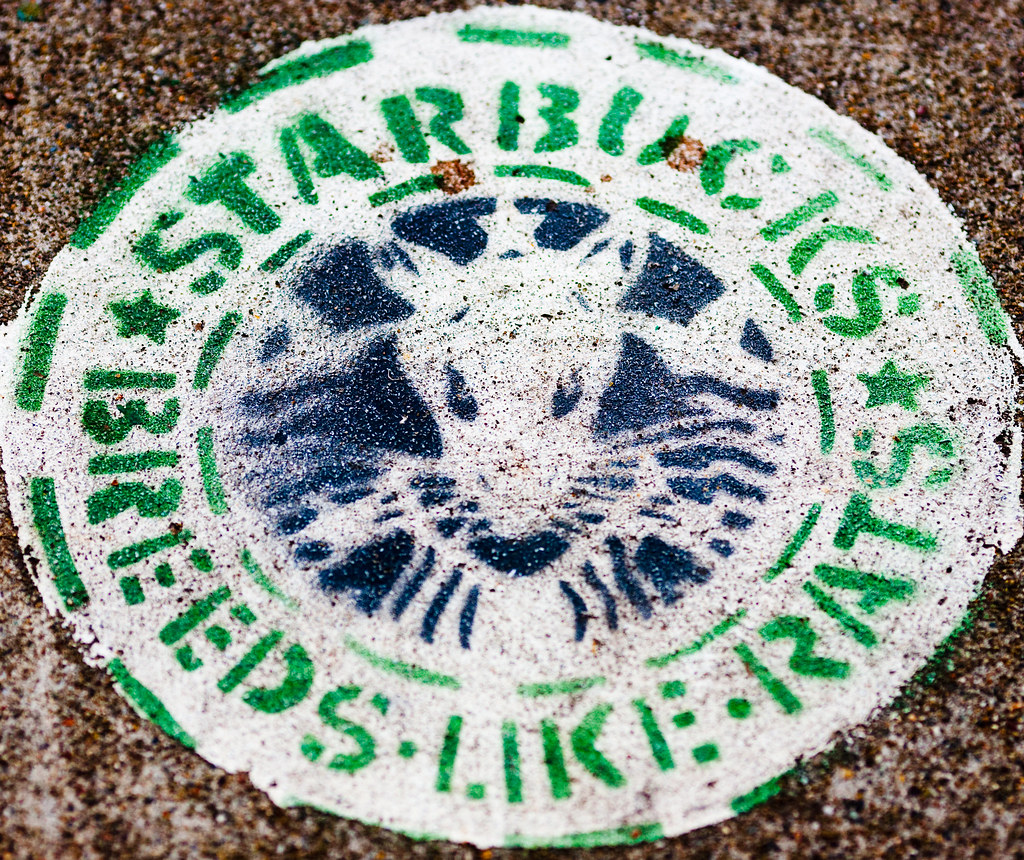
Starbucks Tries Social Media on Flickr, Fails, Locks Down All Discussion Threads to Silence Their Critics

Starbucks Tries Social Media on Flickr, Fails, Locks Down All Discussion Threads to Silence Their Critics

I was troubled today to see Starbucks take the draconian step of locking down 100% of their group threads in the Official Starbuck’s group on Flickr. All threads were locked today and a note was added to their Flickr Group reading:

“This group has helped inform us of the inconsistent experiences photographers have in our stores. We have put group discussion on hold until we have more updates on an official policy for photography in our stores. We appreciate your patience and encourage you to check back in the following months for an update.”

Censorship is never good and for a corporation to open a dialogue with their customers and then shut it down due to criticism is pretty much directly in contrast to the transparency that social media ought to be about.

In December I blogged about the difficulty that Starbuck’s was having articulating a reasonable photo policy in their Flickr group where they have been being attacked by photographers over the course of the past months. Many photographers on Flickr felt it was somewhat hypocritical of Starbucks to encourage photographers to post photos representing their “Starbuck’s experience” when so many photographers were regularly being told that they are not allowed to photograph in Starbuck’s stores.

The question about whether or not photography is or is not allowed in Starbucks stores still seems very much in the air, and from the request that photographers now check back with the group in the “months” ahead (after having this issue linger since September of last year) it doesn’t sound like they will be resolving this question anytime soon. Taking over six months to respond to photographers on this issue is a huge Starbucks FAIL. And now locking their threads to avoid continued criticism for what will likely be many more months, well, it’s obvious that Starbucks does not get social media and an even bigger FAIL.

Starbucks should apologize to the photographers who have invested many hours in this group of theirs and reopen threads. They should make it a priority to establish a reasonable photo policy and have it communicated to their stores ASAP. Of course their timing for shutting down their group threads, late on a Friday afternoon where it hopefully will get lost over the weekend on the web is also pretty obvious and weak.

There is an unlocked thread on another non-official Starbucks group about this issue here.

The World Wide Wide Wide Wide Web

Turn It Up

The great thing about the web is that it makes publishing so simple and cheap that virtually anyone can do it. This allows even the most obscurest of content to find a home. It allows people to turn their own private little passions (whatever they are) into quality online magazines really.

Yesterday this guy published one of my photos of a painting that I took at the Art Institute of Chicago. I love how Flickr can become a resource for all of the obscurity that runs free on the web.

Who would have thought that there would be an entire site devoted to the works of the French painter William Adolphe Bouguereau?

Just imagine the possibilities of all of the content that will flourish in the next 20 years online. It’s this free passion-driven long-tail content that will continue to chip away at TV, movies, popular music, museums, print media and books as more and more of it comes available and as better and better tools are created to help us find whatever our itch is that needs to be scratched. What an exciting time to be an artist or publisher with an unprecedented historical opportunity to disseminate your work.

Shooting Memphis With Sean Davis

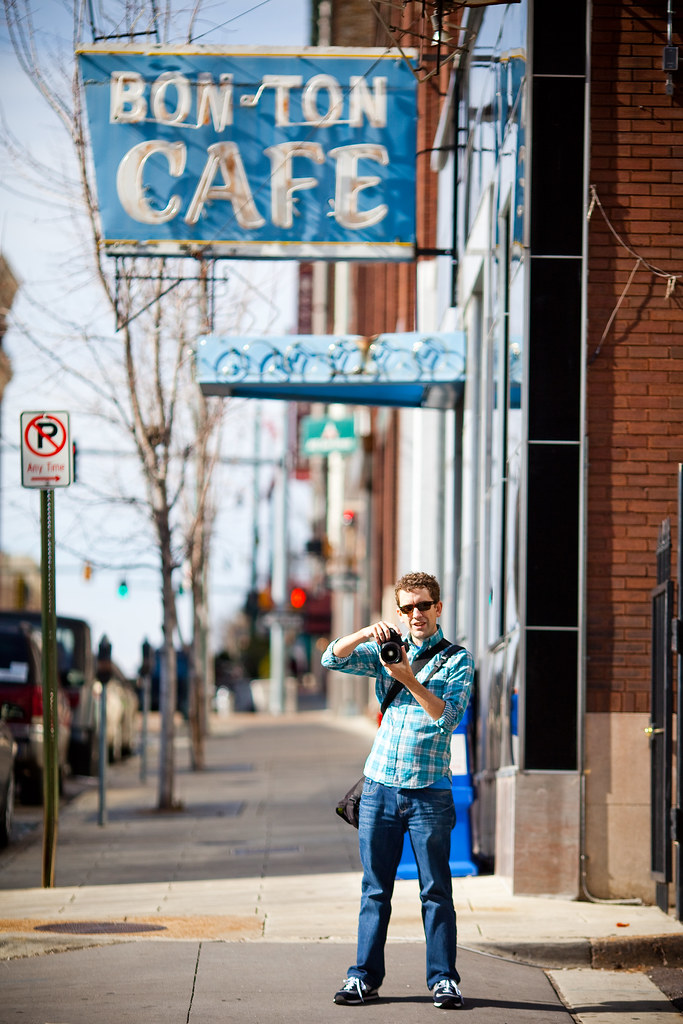
Screen shot 2009-11-18 at 8.05.27 PMOne of the highlights of my Nashville/Memphis trip last week, was getting to spend a day out shooting with Sean Davis. Sean and I have been contacts online for a long time, but it was really great getting to know him better in person and spending more time one on one. Sean’s done an amazing job documenting Memphis. He does a lot of freelance photography work there and is a Canon 5D M2 shooter like I am.

Sean was able to show me some amazing out of the way places in Memphis that I never would have found on my own, hotel top views, back alleys with graffiti, the best spot to shoot the bridge from and *especially* the best damn fried chicken I have ever had in my life from Gus’s. Seriously, if you are ever in Memphis, you have to have fried chicken at Gus’s.

I ran into Sean while shooting down by the Arcade Restaurant and am really glad that I did because we had a great day hanging out together and shooting. Check out Sean’s work and if you’re ever in Memphis look him up, a great photographer and a really nice guy.

Top 10 Ways to Improve Adobe Lightroom 2.6 and Beta 3.0

Top 10 Ways to Improve Adobe Lightroom 2.6 and Beta 3.0

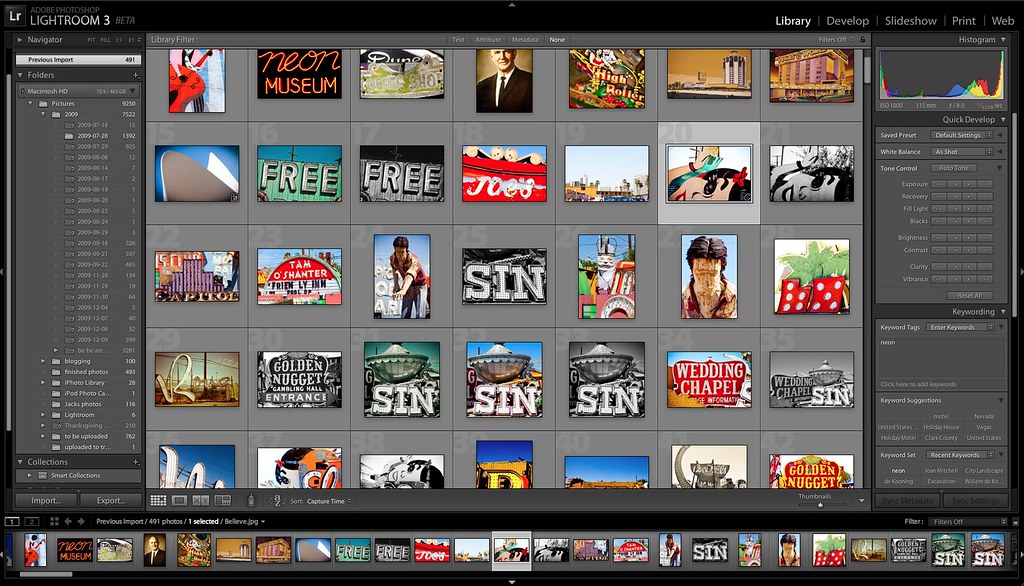
I’ve been using Lightroom very heavily on a daily basis over the past year or so. While I absolutely love the software, I think that there is room for improvement and thought I’d jot down some of my ideas on the best ways to improve the software.

I took a brief look at the new Lightroom 3.0 beta and my initial impression was lukewarm. Many of the features like watermarking, printing features, and online publishing from Lightroom, I didn’t really care about. Some of the architectural changes that have been mentioned didn’t feel all that powerful to me based on my initial testing. I found that in many regards, LR Beta 3.0 performed much slower and worse for me than LR 2.6, so I’ve largely abandoned using the beta at this point.

The final LR 3.0 product, of course, will likely be much more robust (hopefully) than the beta and ought to be a stronger product. And many, especially performance based, improvements that I mention in this post may actually be included in the final product. That said, here are the 10 most significant ways I think Adobe could improve the Lightroom product.

At present I am doing all of my Lightroom processing on a MacBook Pro running Snow Leopard with a 3.06 GHz intel Core 2 Duo processor and 4GB of RAM.

1. Performance drag when keywording (possible memory leaks?).
One of the things that I’ve found with LR 2.6 is that keywording seems to be especially taxing on the system. If you keyword a photo, maybe 60% of the time after keywording it you get the little beach ball and have to wait several seconds before LR will free up and let you keyword the next photo. Keywording is already a horribly mundane chore, but having to do it with beach ball delays in Lightroom is especially frustrating. If I restart LR I’ll be able to keyword seamlessly again, but typically within 5 minutes the delays between keywording photos begin again. This is my number one biggest gripe with Lightroom today.

2. Improving keyword autocomplete. When you keyword photos it is nice that LR uses your keyword list to auto complete possible keywords. As you start typing it searches previously used keywords and offers them up to you. You can highlight the word you are intereseted in and press enter, saving you time and typing. For some reason LR treats both the apostrophe and the enter key as one in the same. So, for instance, when you are keywording Joe’s Pizza, It might actually autocomplete the keyword as Joe’s hamburgers as soon as you hit the apostrophe in Joe’s. Apostrophes are commonly used in keywording and it is counter intuitive to have the apostrophe trigger an auto-complete entry. Auto-complete should be restricted to the enter key.

3. Importing large numbers of photos from your memory card into LR can be horrendous. I’ve stopped using LR to import photos directly altogether. Sometimes the import will take place reasonably quickly, but many times it can take literally an hour to import what should take 5-10 minutes. I’m not sure why it takes so much more time to import photos into LR directly from a card, but it is *much* faster if I actually copy my images from my cards from the Mac finder and then synch the folder up manually with Lightroom later. When you are offloading images from a card you want this done very quickly. Adobe should optimize this import process focusing only on first copying the files and then adding them to the catalog or whatever else is slowing imports down after the copying is done, freeing up your memory card faster.

4. Lightroom’s adjustment brush needs work. One of my favorite features with Lightroom 2.6 is the adjustment brush, you can use this brush to burn and dodge and affect key areas of a photo including exposure, contrast, brightness, clarity etc. by selectively painting an area of the photograph and then adjusting the sliders. Unfortunately though, I have found the adjustment brush to be much weaker than the general development tools in Lightroom. If I use the exposure slider for the entire photo (for instance) I have a wide latitude of exposure range with my RAW image. If I have a photo that is too dark in areas and too light in other areas I can use the total photo exposure tool to get either part (the too dark part or too light part) properly exposed. But when I try to use the exposure slider on the adjustment brush to treat the area not exposed to my satisfaction I find I frequently get pixelization if crank it up or down too hard. It would be good if Adobe could use the same technology that they are using to adjust, say, exposure at the entire photo level, with the adjustment brush to get better results when using it.

5. Lightroom needs more ways to stimulate the imperfection of film.
One of my favorite recent ways to shoot has been using Hipstamatic with my iPhone. Hipstamatic does a tremendous job of creating a lofi film like aesthetic with digital photos from my iPhone. The only problem is that they are digital photos from my iPhone. I’d love to be able to have similar options that incorporate to a much greater degree the vintage effects of film from within lightroom. Scratches on photos, old polaroid borders, smudges, and other imperfections can create an entirely different photograph. While I’m sure some of these sorts of effects can be implemented in Photoshop, Photoshop is much more difficult to master. Adobe should follow the trend of Hipstamatic and make very easy to apply vintage film effects for Lightroom. While the LR 3 beta does include a way to sort of get a bit more grain to effect a vintage look in photos, this is a far cry from the effects that a little $1.99 app like Hipstamatic can provide.

6. Improved vignetting control. While Adobe has improved the post crop vignetting available in the 3.0 beta, it is still seriously lacking. In post cropped photos the vignetting is applied perfectly on photographs. With 100% precision and accuracy. The problem is that when people want to add vignetting, they are frequently doing so to give the photograph a more natural film like feel. In camera vignetting is never 100% precise, it is subtly different in every area, in some ways random. LR’s vignetting control pre crop is much more natural feeling than post crop. While the 3.0 beta gives a touch more flexibility in how you can vignette it still does not provide for the sort of natural random vignetting that occurs naturally in camera.

7. Better preset directories. I love my presets. I use them constantly. I’ve got some really good ones. But damn they are hard to find. And there are so many bad ones out there floating around. Presets are a great place to start with your photo editing process, I’ve just had a hard time finding a very strong database or collection of the best ones.

8. When selecting multiple images in the film strip Loupe view, Lightroom should apply keywords to all images. Right now the only way to keyword multiple images in Lightroom is to use the Grid view. But if you want to keyword as you select images looking at them full size (grid view can only get you to half size) then you have to keyword them one at a time. Lightroom should allow me to select multiple images from the film strip in the Loupe view and apply keywords to all images selected.

9. A good in Lightroom geotagging feature that uses Google Maps.
At present I am using Geotagger for the Mac and Google earth to geotag my images. It would be nice if Adobe could as seamlessly interact with Google Earth. Some external app might be out there right now that I’m not aware of for this yet with Google Earth, but nothing that I’ve seen.

10. Color analysis. One of the things that I’ve done on Flickr is to create sets of images based on primary colors in the images. It would be nice if I could filter my images in LR by color. I’d like to be able to filter all of my finished images by dominant color, blue, red, pink, etc. This would better allow me to select these images and keyword them selectively.

So those are my top 10 requests for Lightroom. My views of course are only mine and while my desire for things like more natural post crop vignetting etc. may be important to me and maybe a small minority vs. features like watermarking, web publishing and printing, I certainly recognize that Lightroom is built for a much larger audience that may be much more interested in some of the new features in the LR 3.0 beta than I am.

What are the features that you would like to see in LR 3.0? What would be the killer features for you. Are there ways to get some of what I want out of the existing product that I’m just not aware of? Are they ways to better optimize for performance with keywording, for instance. Do you have any good Lightroom tips that you’ve uncovered worth sharing?

Happy Martin Luther King Day, I Wish Photos Were Allowed at the National Civil Rights Museum in Memphis

Martin Luther King JrI haven’t been blogging much because I’m on an intensive 5 day shoot covering Nashville and Memphis as part of my project to document the 100 largest U.S. cities. I’ve been posting brief sporadic notes on my trip here.

I’ve been trying to get a good perspective and sense for what both Nashville and Memphis are about by shooting all of the major tourist destinations, as well as a lot of lesser known but interesting subjects as well (like an abandoned Federal prison in Tennessee or the Tennessee Music Valley wax museum). I got into Memphis yesterday, and in addition to shooting the Brooks Museum and Graceland (both of which have excellent open photography policies) shot some amazing blues musicians playing on Beale Street last night.

Overall my experience with shooting in Nashville and Memphis has been very positive. All of the live music venues here seem to have no problem with photography. Even the Grand Ole Opry, perhaps the biggest act in the state, allows photography (I got some great shots of Carrie Underwood and Emmylou Harris on Saturday night).

It’s going to take me a while to get all of these shots processed once I get back as I’m horribly behind on my photo processing.

But I was disappointed this morning to learn that the National Civil Rights Museum in Memphis (which is housed in the motel building where Dr. King was assassinated at) that I was going to visit this morning does not allow photography. From their website:

Cameras and Video: Photography and videotaping inside the Museum is prohibited. All cameras should be checked in with Security before entering the exhibits. Media must be credentialed 48 hours in advance and requests should be forwarded to the Office of Marketing and Communication at (901) 521-9699, ext. 292.

I can think of very few things more important to document than the Civil Rights movement in America. It is disappointing to me that the museum would prohibit photos there and prohibit people from sharing information about this movement online and as broadly across the world as possible. It looks like I will only be getting a shot of the outside of the museum today.

Of all the museums that don’t allow photography that I am aware of, this is one of the ones that I think makes the least sense. Hopefully someday they will reconsider this backwards policy and realize that allowing people to take photos there is a big part of publicizing the history and message of civil rights to the world at large.

Happy Martin Luther King Day to everyone!